
Payroll
This page provides all essential payroll-related information, including payment schedules, statements and making changes to your personal information.

2026 Payroll Schedule
Click the image to the left to download the 2026 Payroll Scedule, the scedule is also located in the People Calender.
NOTICE TO EMPLOYEES – PAY SCHEDULE & PAY INFORMATION
Click HereThis notice provides important details regarding pay periods, pay dates, methods of payment, access to pay statements, and contact information for payroll-related questions.
This notice is intended to ensure transparency and help you clearly understand when and how you will be paid, as well as where to find additional information about your compensation. To view the complete notice, please click the button below.

Paydays
At Vynca, we operate on a semi-monthly payroll schedule to provide consistent and timely paychecks. Each month is divided into two pay periods: the first runs from the 1st through the 15th, with pay issued on the 20th; the second covers the 16th through the end of the month, with pay issued on the 5th of the following month. This structure ensures that employees are paid regularly and can plan accordingly.
Payroll Calendar Below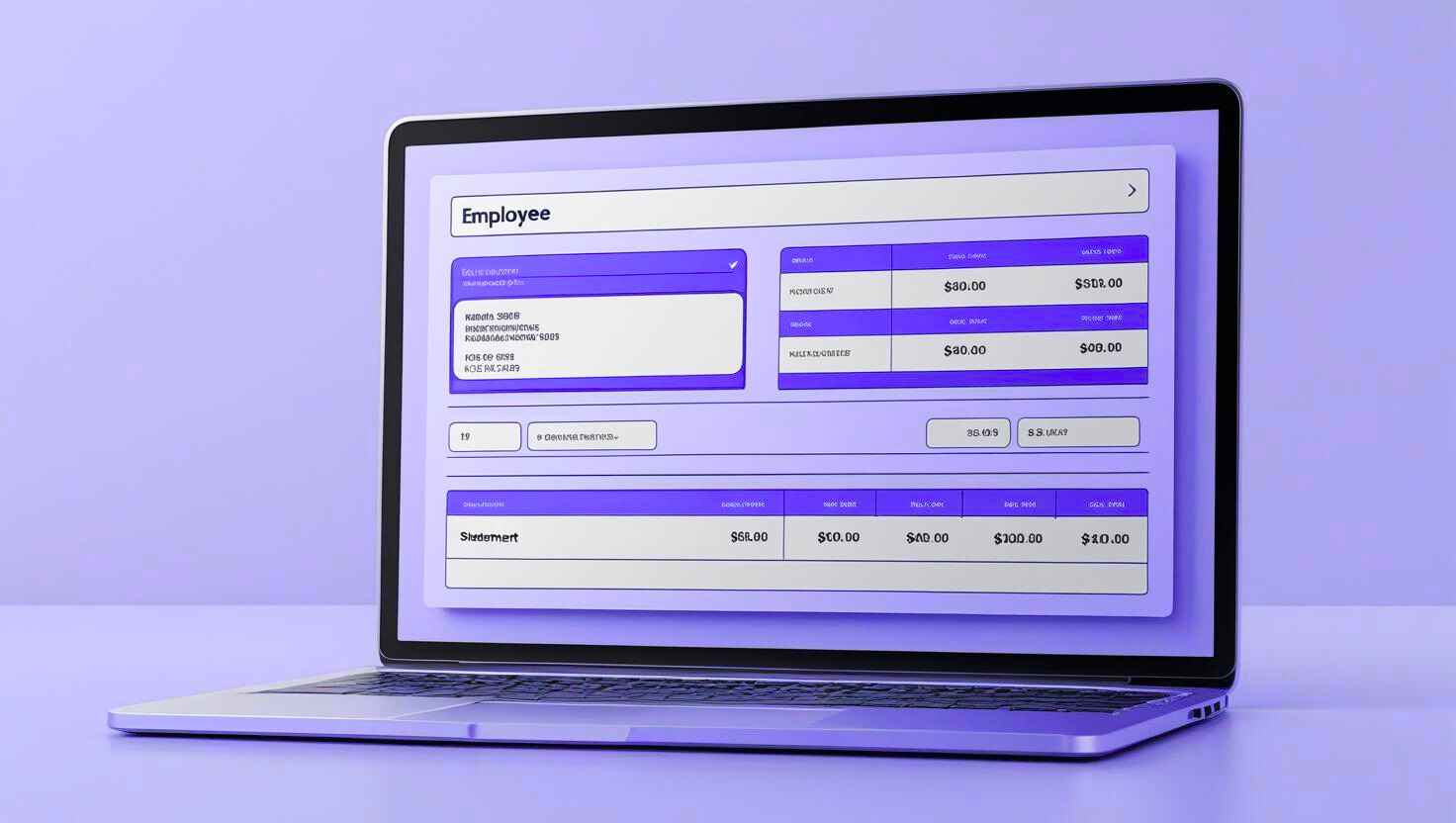
PayStatements
You can access your pay statements through the Rippling Dashboard under the “Pay” section. It’s important to review each pay stub carefully to verify the accuracy of your premiums, taxes, and any other deductions.
Taking a few moments to check your statement helps ensure everything is correct and can prevent potential issues down the line.

Payroll Errors
If you notice any errors in your paycheck, such as overpayments, underpayments, or incorrect deductions, please report them to Human Resources immediately. Failing to review your pay stub could lead to payroll corrections or tax amendments that may result in additional fees. To avoid complications, it is important to confirm that your pay statement is accurate each pay period.
People Operations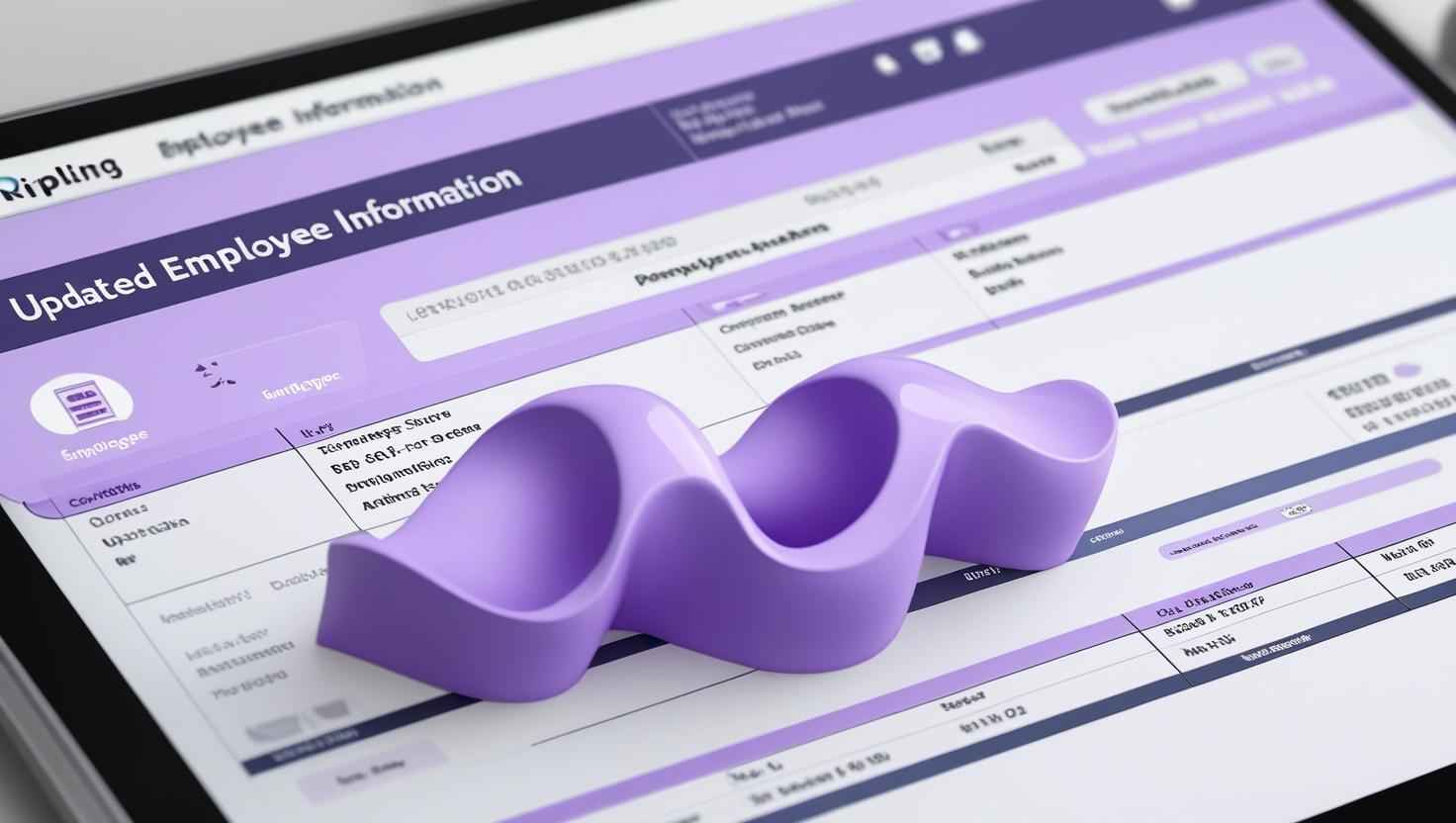
Personal Changes
You can quickly update your personal details, such as your address, phone number, and email, in Rippling. Keeping this information current helps ensure your paycheck is deposited correctly and your tax withholdings remain accurate. Regularly reviewing and updating your information can help prevent any issues with payment processing.
Link to Personal Information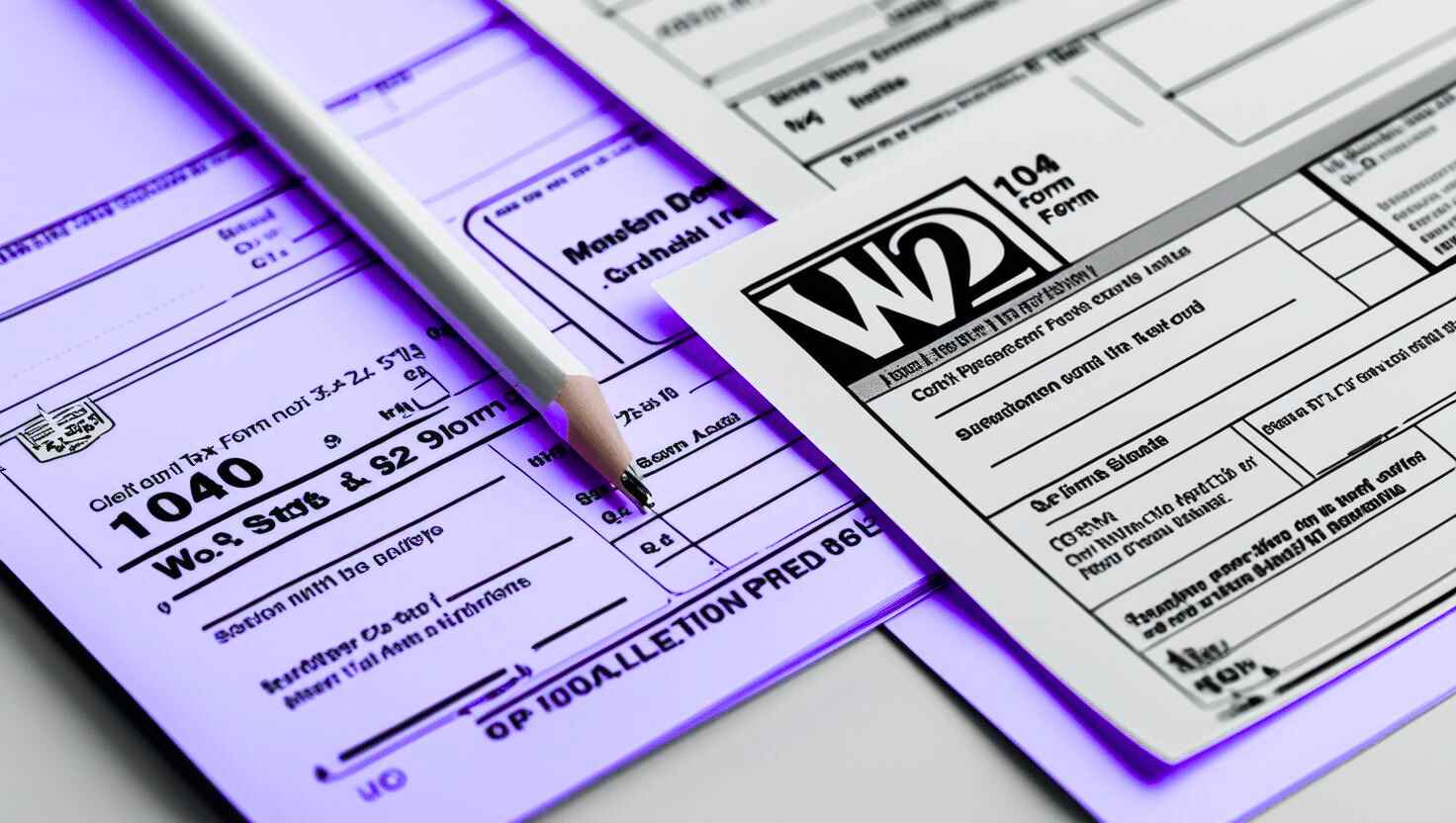
Tax Information
You can view and download your previous years’ W-2s and easily update your personal tax information for Federal, State, Local, and City taxes. Keeping this information current helps ensure accurate tax withholdings on your paycheck. Regularly reviewing and updating your details also helps prevent any potential disruptions in payment processing.
Link to Rippling Tax Information
Direct Deposit
You can easily update your Direct Deposit information or add additional bank accounts for your paycheck deposits. Whether you are switching to a new account or splitting your deposit between multiple accounts, keeping this information current helps ensure your payments are processed accurately and on time. Regularly reviewing your bank details can help prevent delays or disruptions.
Link to Rippling Direct Deposit*The information provided on this page is intended for general guidance and informational purposes only. Vynca complies with all applicable federal, state, and local laws and regulations. The company reserves the right to modify, revoke, suspend, terminate, or change any of the policies, procedures, benefits, or other content described here at any time, with or without notice, at its sole discretion. Nothing on this page creates a contractual obligation or guarantee of continued employment, benefits, or specific terms of employment. In all cases, the official Vynca Employee Handbook serves as the authoritative source for company policies. In the event of any discrepancies between this page and the Employee Handbook, the Handbook shall prevail.
