This Page Provides
Onboarding Instructional Guides & Booklets
Business Cards Request
Click here to requestField Badge Request
Click here to requestRN Field Kit
Click here to request
Welcome to Vynca
We're excited to welcome you! This guide will help you navigate onboarding, set expectations, and prepare for a successful start.
We look forward to all the great things you'll bring to our team!
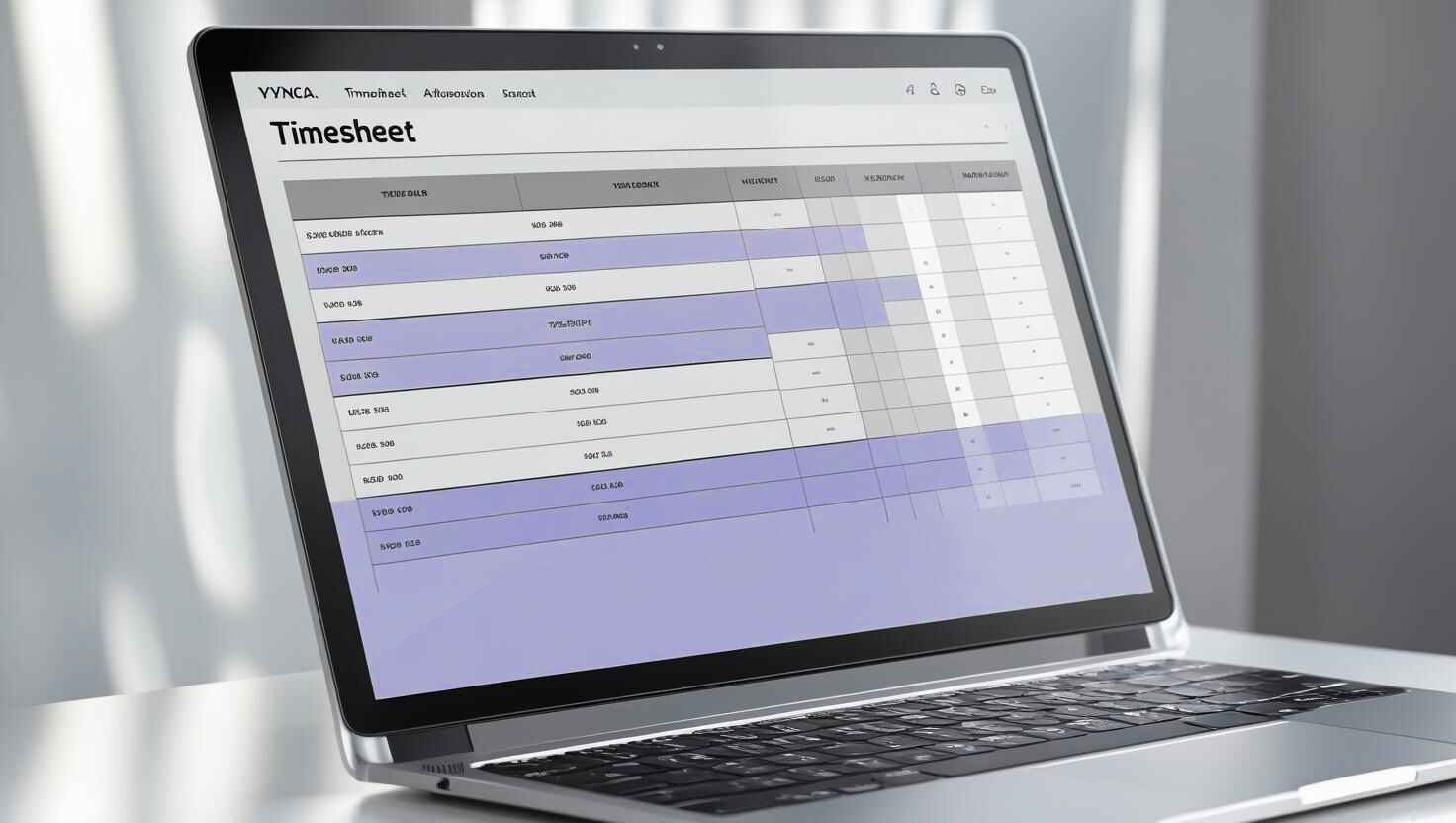
Time and Attendance
To ensure a smooth transition and successful utilization of this system, we have prepared comprehensive training resources to guide you through clocking hours using the Rippling mobile app and your web browser.
Click Here
IT Instructions
This section includes information on IT equipment, login details for programs and apps, Google Workspace setup instructions, and how to report any IT issues.
Click Here
Benefit Overview
This booklet provides a quick overview of the benefits we offer to support your well-being and success. Inside, you’ll find details on health coverage, time off, retirement plans, and more all designed to help you thrive at work and beyond.
Click Here
How to Enroll in Benefits
This booklet offers step-by-step instructions on how to enroll in Vynca’s company benefits and make the most of what’s available to you.
Click Here%202.jpg)
Retirement 401(k)
This section provides important information about our 401(k) retirement plan, including how the plan works, company contributions, and how you can enroll. Planning for your future is important, and this guide is here to help you take full advantage of the benefits available.
Click HerePlan Summaries
Wellness Overview
Hosted by Sequoia
On Tuesday, February 17th, Sequoia hosted a Wellness Presentation to help employees navigate our wellness benefits. The session provided an overview of each wellness benefit, guidance on how to register for each wellness benefit, and an opportunity for participants to ask questions and learn more about the resources available to support their health and well-being. Click on the presentation to watch it.

Sequoia Employee Advocate Team
You can also connect with Sequoia online by logging onto Sequoia, Clicking on your profile icon in the upper right hand corner of their page and from there selecting the Advocate Button.
Link to Sequoia Home Page
If you have any questions or concerns about your company’s health, dental, or vision plans, the Sequoia Advocate team is here to help. You can reach out to them for personalized support and guidance to ensure you get the most from your benefits.
Click here for Contact Information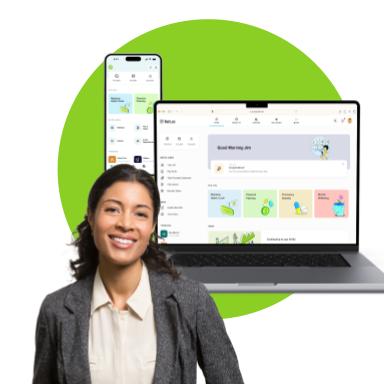
To help you explore all your options within Sequoia: Start with the Sequoia People Platform Click on the links for the apps
1. Log in at login.sequoia.com with your Vynca work email or download the Sequoia Mobile app
2. In the platform and app, access your ID cards, benefits information, wellbeing resources, plan summaries and documents
3. submit a case to the Advocate team to get assistance with any benefits related issue or question
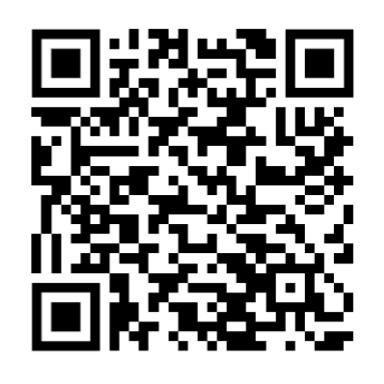
Apple App
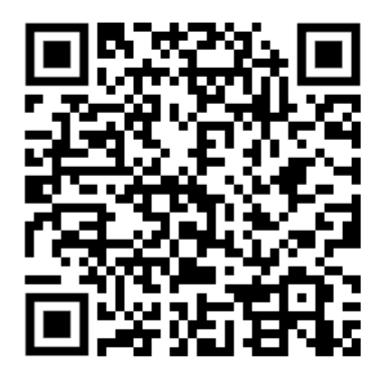
Google App

You can reach out to us anytime via email or through Slack.
To message us on Slack, simply click on our name to start a direct message. We're here to help!

Martha Velez
Sr. HR Business Partner
Email: marthavelez@vyncacare.com

*The information provided on this page is intended for general guidance and informational purposes only. Vynca complies with all applicable federal, state, and local laws and regulations. The company reserves the right to modify, revoke, suspend, terminate, or change any of the policies, procedures, benefits, or other content described here at any time, with or without notice, at its sole discretion. Nothing on this page creates a contractual obligation or guarantee of continued employment, benefits, or specific terms of employment. In all cases, the official Vynca Employee Handbook serves as the authoritative source for company policies. In the event of any discrepancies between this page and the Employee Handbook, the Handbook shall prevail.
