

Time & Attendance
In the Rippling app, hourly employees can easily track their time. Be sure to enter your hours accurately, submit your timecard before the deadline, and review any updates or changes as needed. If adjustments are required, make them promptly to ensure accurate payroll processing.
Clocking-In

Work Hours, Breaks
& Rest Periods
These instructions are for hourly staff members only and does not apply to salaried positions.
Clocking-In
Procedure
On your first day, you will be required to clock in manually. After that, please ensure that you clock in and out in real time unless otherwise directed by your Manager or HR.
Regular
Work Hours
Your standard working hours are from 8:30 AM to 5:00 PM Pacific Time (PST).
Breaks &
Rest Periods
You are entitled to two 15-minute paid breaks and one 30-minute unpaid break during your workday. Please note that the 30-minute unpaid break must be taken before you reach your 5th hour of work and you will clock out for this break.
To assist you with the clock-in process, please review the following slide.
It contains detailed instructions on how to properly clock in and out.
NOTICE TO EMPLOYEES – PAY SCHEDULE & PAY INFORMATION
Click HereThis notice provides important details regarding pay periods, pay dates, methods of payment, access to pay statements, and contact information for payroll-related questions.
This notice is intended to ensure transparency and help you clearly understand when and how you will be paid, as well as where to find additional information about your compensation. To view the complete notice, please click the button below.
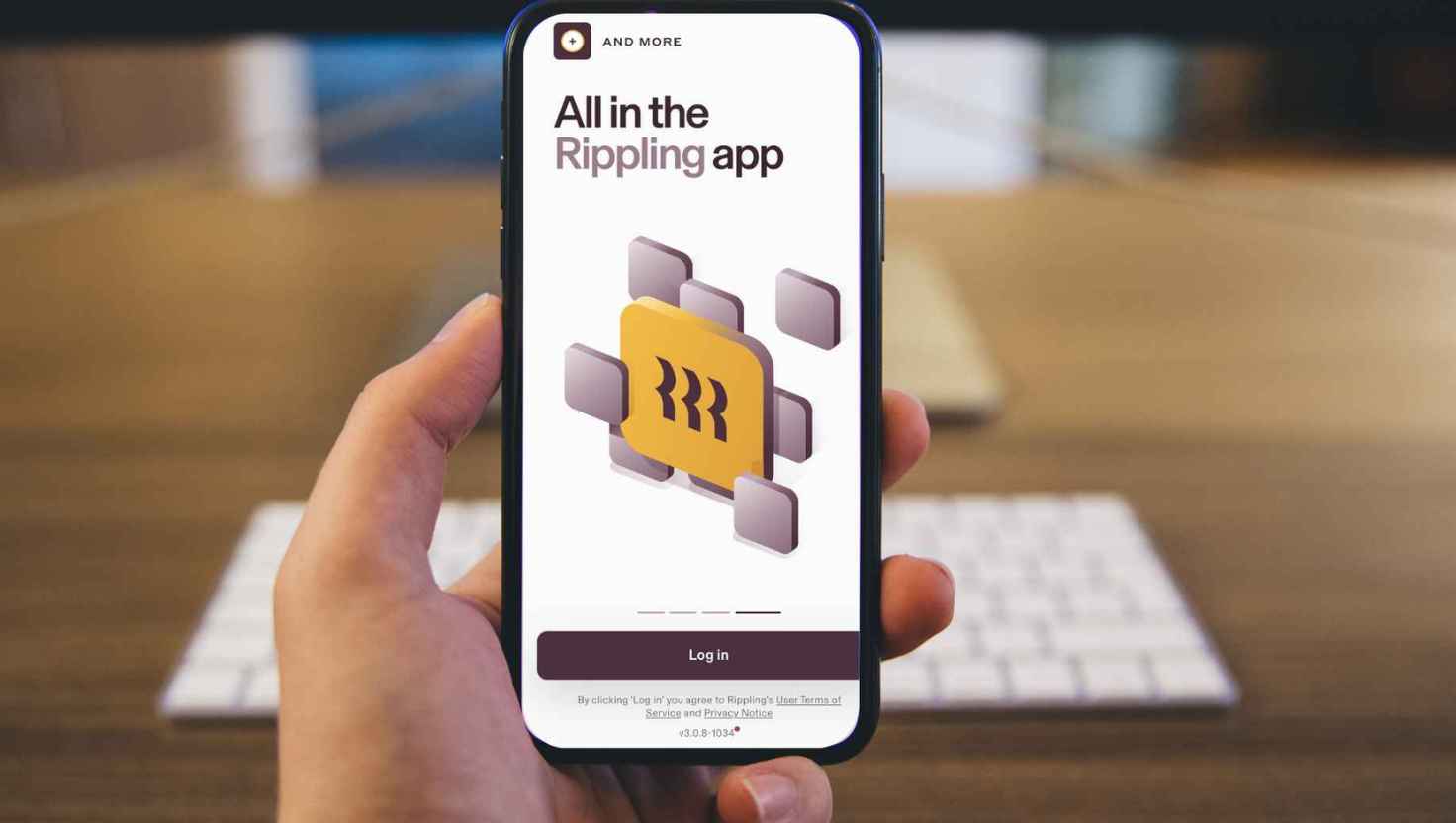
Clocking-in and Out in the Mobile App
How Clock Hours Using Mobile App
Use a time clock in your mobile app and learn how to effectively use the Rippling Time Clock feature on your mobile device.
Link to Article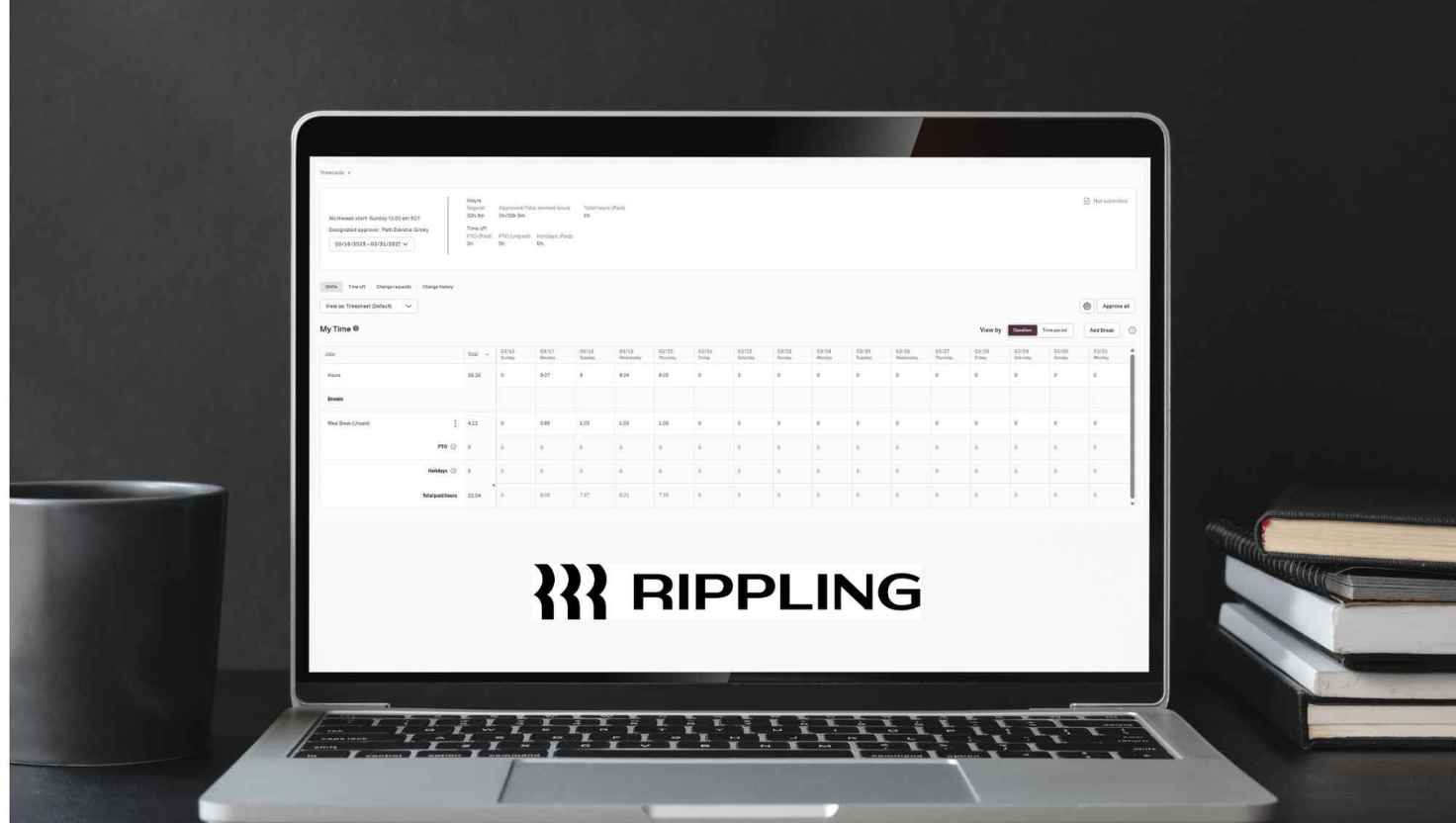
Clocking-in and Out in the Browser App
How Clock Hours Using Browser
Use a timeclock and discover the steps to use the Rippling Timeclock within your web browser for convenient time tracking.
Link to Article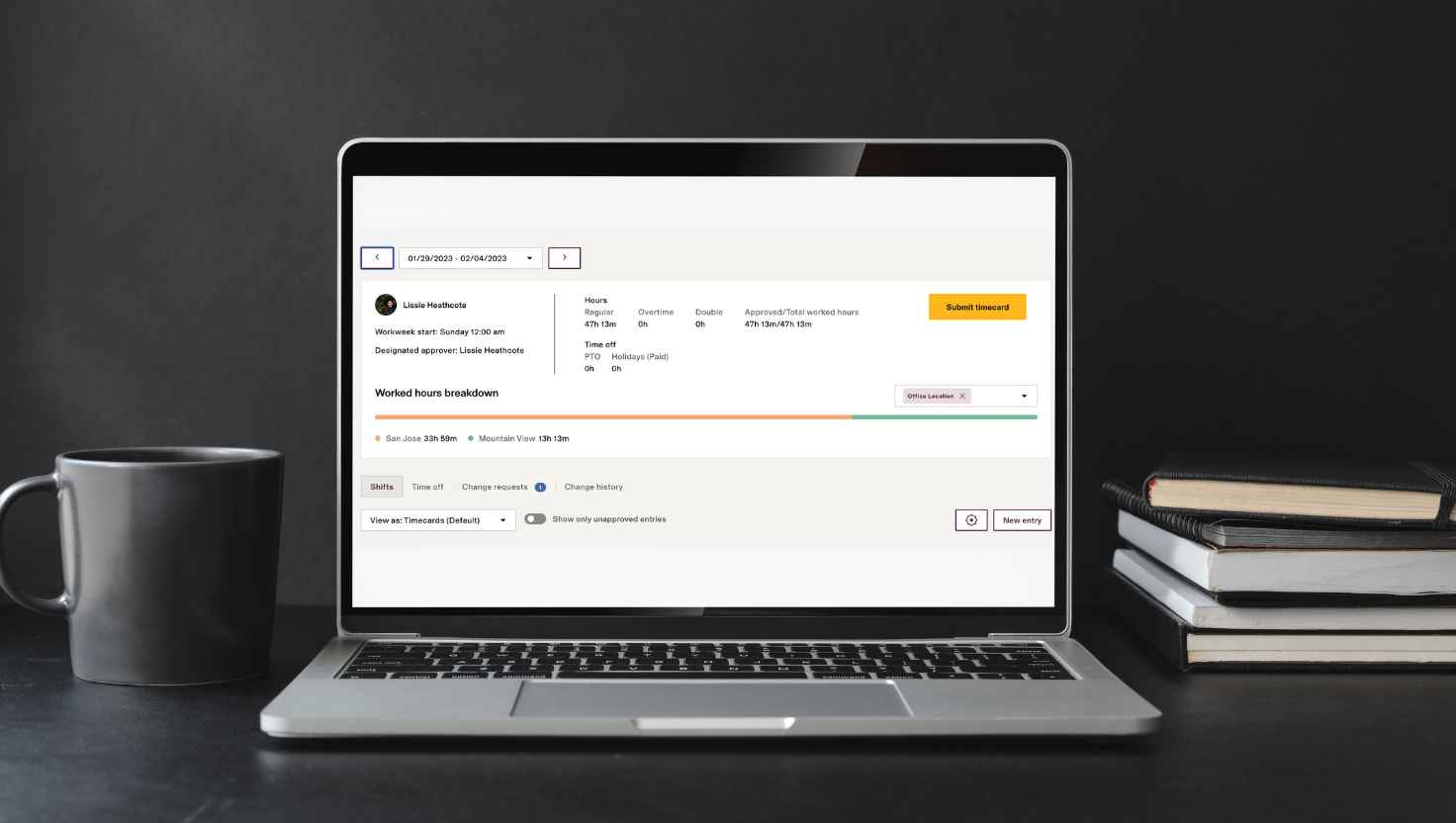
Submit Timecard
Clock Hours using Browser
Use a timeclock and discover the steps to use the Rippling Timeclock within your web browser
for convenient time tracking.
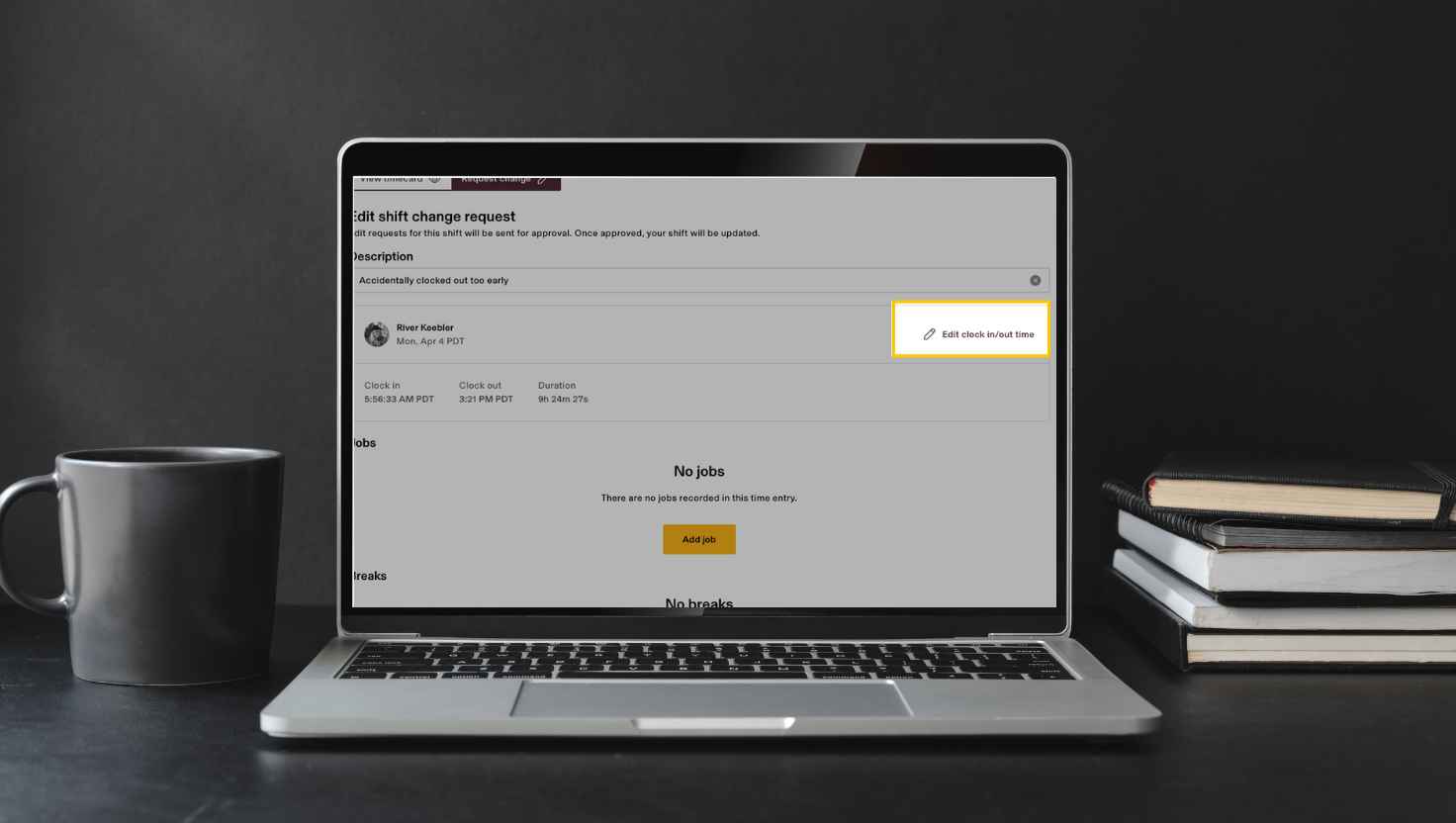
Update Timecard
How to Change Timecard
Learn how to easily request changes to your submitted timecard within the Rippling Time and Attendance system.
Reach out to People Operations
For any questions regarding our Paid Time Off (PTO) programs,please click the link below for detailed information and guidelines.
Email People OperationsRequesting Time-off in Rippling
Employees with an assigned leave policy can request time off using the Time Off app in Rippling, available on web and mobile. For step-by-step instructions, click the Rippling article link below.
Link to Rippling Article
Company Holidays
Click here to learn more about the company’s 11 paid holidays, which are part of our broader Company Perks designed to support your well-being. These holidays provide time to relax, celebrate important occasions, and enjoy meaningful moments with loved ones while helping you recharge and maintain a strong work-life balance throughout the year.
Link to Company Holidays*The information provided on this page is intended for general guidance and informational purposes only. Vynca complies with all applicable federal, state, and local laws and regulations. The company reserves the right to modify, revoke, suspend, terminate, or change any of the policies, procedures, benefits, or other content described here at any time, with or without notice, at its sole discretion. Nothing on this page creates a contractual obligation or guarantee of continued employment, benefits, or specific terms of employment. In all cases, the official Vynca Employee Handbook serves as the authoritative source for company policies. In the event of any discrepancies between this page and the Employee Handbook, the Handbook shall prevail.
